> For the complete documentation index, see [llms.txt](https://docs.homescriptone.com/llms.txt). Markdown versions of documentation pages are available by appending `.md` to page URLs; this page is available as [Markdown](https://docs.homescriptone.com/wordpress-plugins/doko-bundle-builder-the-ultimate-dynamic-bundle-builder-for-woocommerce/configuration/how-to-display-product-descriptions-in-my-bundle-page-pro.md).
# How to display product descriptions in my Bundle page ? ( PRO )
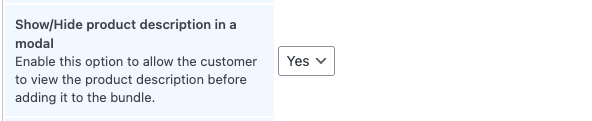
On the bundle creation page, there is a setting allowing to display a icon where customers can click on and display product informations into a modal.
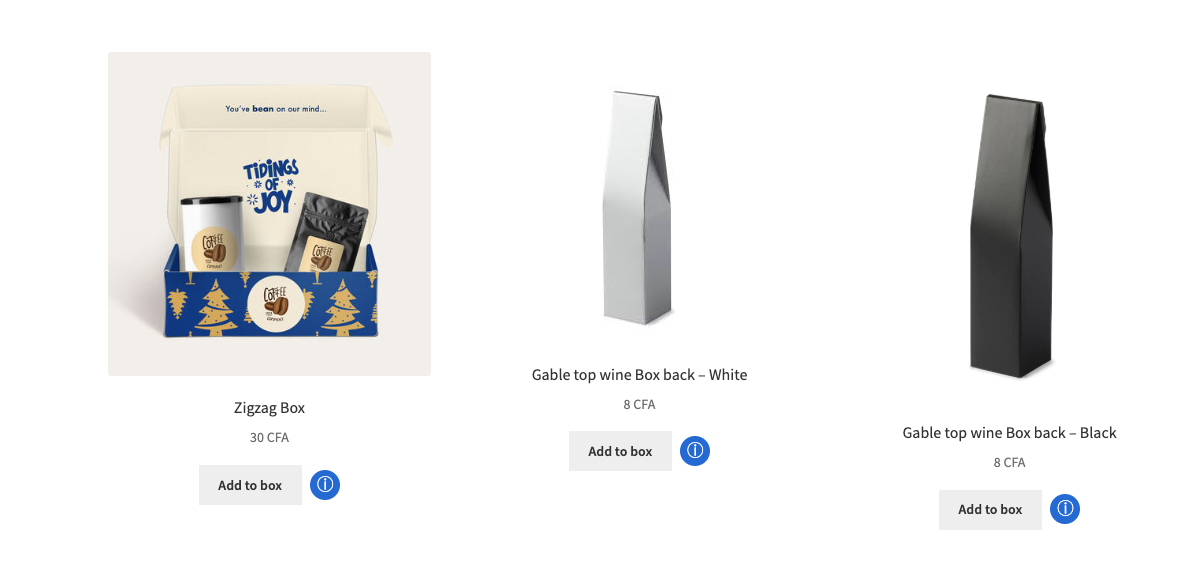
If this option is set to ***Yes***, on the bundle page your page will look this :
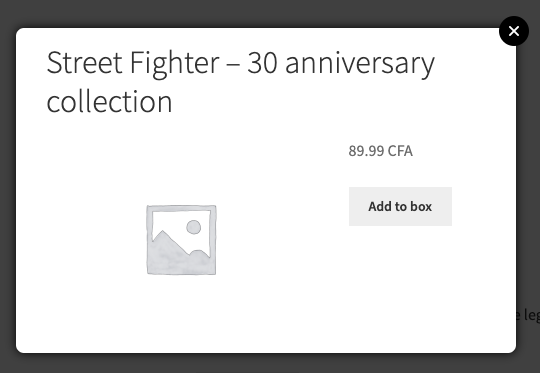
The modal displaying informations regarding a product in the bundle will look like this :